02 / Case example

Configurable reporting portal

Automates accounting reports that previously took about four hours twice a week to prepare.

Reporting flowReporting & analytics
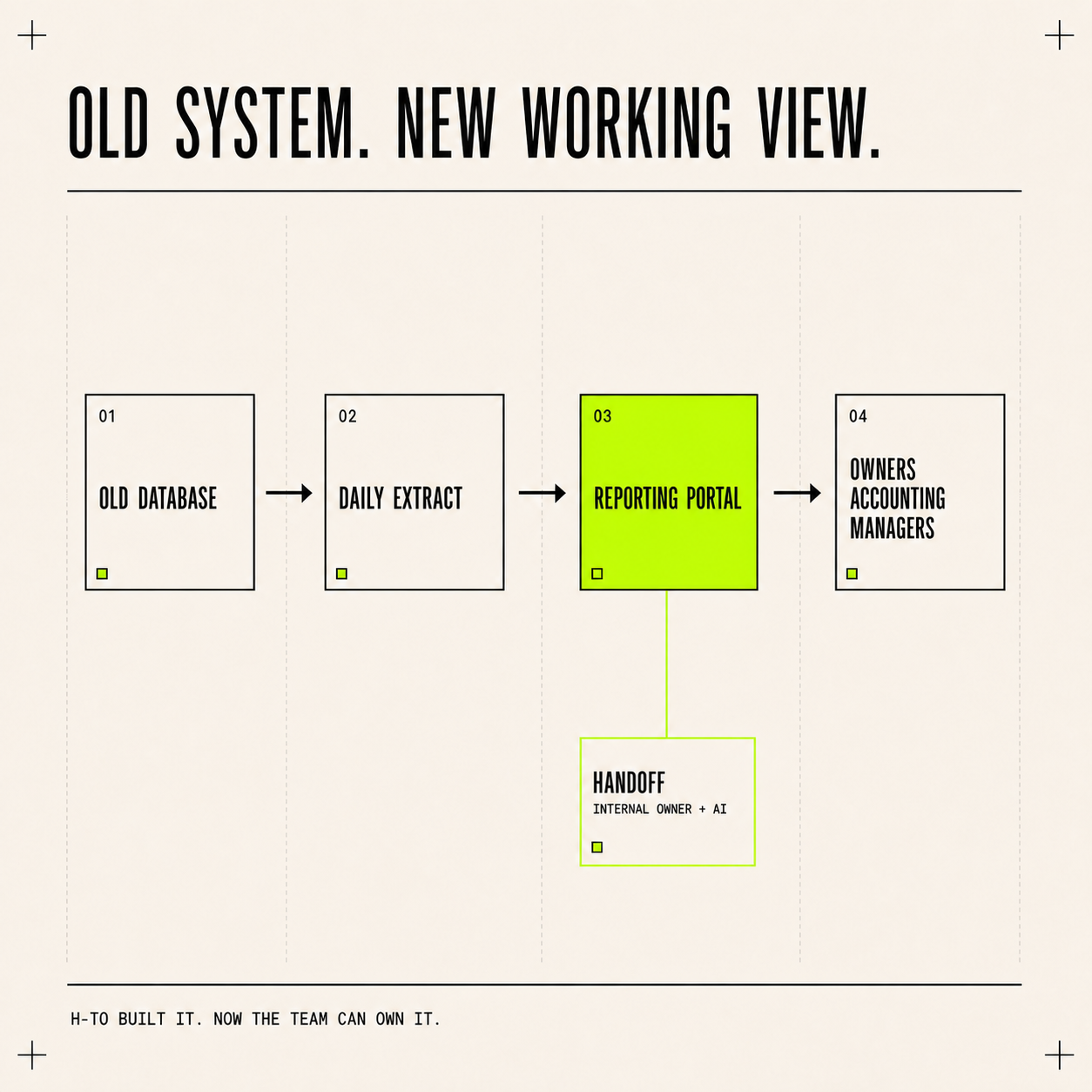
Flow diagram showing an old database feeding a daily extract and reporting portal used by owners, accounting, and managers, with the portal handed to an internal owner supported by AI.
Reporting flow

Scroll or swipe to explore the diagram. Use Size to adjust the view.

Old database → daily extract → reporting portal → operating team
01

Why it was needed

Accounting staff spent about four hours twice a week downloading data from CRM and accounting databases, combining spreadsheets, correcting classifications, applying formulas, reconciling totals, creating pivots and PDFs, and distributing the finished reports.

02

What changed

The software now imports the source data, applies the reporting rules, checks totals, and publishes finished reports automatically.

03

Key requirements

The same source data and reporting rules must produce the same result. The portal retains dates, filters, data relationships, report definitions, and access permissions so current figures can be refreshed without rebuilding the accounting process or introducing another spreadsheet variation.
Main features

  1. Read CRM and accounting data
  2. Apply classifications and formulas
  3. Build saved reports
  4. Refresh current results
  5. Control access by role

Result

Replaced recurring spreadsheet preparation with reports that refresh automatically.
Facing a similar problem?

Tell us what you want to improve. The initial conversation is free; consulting and development are $85/hour.

Talk it through
Related workRevenue reporting dashboard04